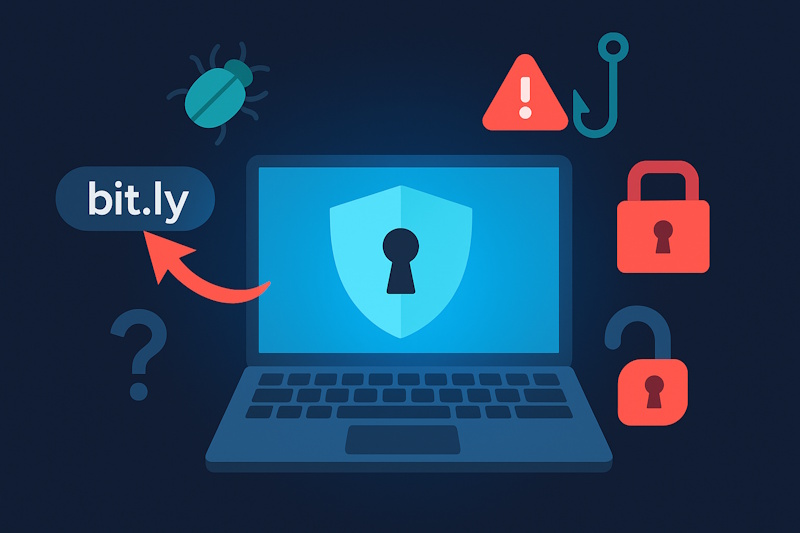
Shortened URLs, especially Bitly links, are widely used across social media, emails, and messaging apps. While convenient, these links are increasingly being exploited for malware distribution and phishing scams. ExpressVPN has provided the latest insights into the risks of Bitly links and practical steps to protect yourself.
How Bitly Short Links Work — and Their Hidden Risks
Bitly is a popular service that shortens long URLs, making them easier to share via social media, email, or chat. However, the downside is that shortened links conceal the final destination, leading to several risks:
✔ You can’t tell where the link actually leads
✔ It’s harder to spot malicious websites
✔ On smartphones, it’s even more difficult to preview links
ExpressVPN warns that this “convenience comes with hidden dangers” that users need to be aware of.
How Attackers Exploit Bitly Links for Malware and Phishing
In recent years, cybercriminals have increasingly used Bitly links in attacks such as:
Malware Examples
- Distribution of ransomware loaders like Azorult and RevengerAT
- Android-targeted Trojans
- Fake software updates or blank error pages designed to trigger malicious code downloads
Phishing Examples
- Redirecting users to fake login pages or fraudulent consent screens
- Shortened links obscure the real URL, making it harder for users to detect the scam
Smartphone users are particularly vulnerable, as they can’t hover over links like on desktop, making link previews difficult.
Bitly’s Built-in Security Measures — and Their Limitations
Bitly has implemented several safety features, including:
- Integration with Google’s Web Risk database
- Automatic link scanning and real-time blocking based on user reports
- Preview pages for free users introduced in 2025
However, ExpressVPN cautions that “no automated detection system is 100% foolproof,” emphasizing the need for individual vigilance.
Practical Tips to Stay Safe with Shortened URLs
ExpressVPN recommends these easy-to-follow precautions:
✔ Use Bitly’s Preview Feature
Add a “+” to the end of a Bitly link to preview its final destination
✔ Use External Link Check Tools
Sites like CheckShortURL, Unshorten.link, or browser tools like Link Peek (Firefox) and Chrome extensions can help reveal hidden links
✔ Verify the Sender
Consider whether the person or organization has used Bitly links in the past
✔ Preview Links by Device
- On desktop: Hover over the link to preview the destination
- On smartphones: Long-press the link to reveal the URL
✔ Utilize Security Services
Check link safety using services like Google Transparency Report or VirusTotal
✔ Inspect the URL Structure
Look for suspicious characters or unnatural patterns in custom short links
Boost Privacy with a VPN
ExpressVPN highlights that using a VPN offers added protection:
- Masks your IP address and location when clicking links
- Reduces the risk of exposing personal information to third parties
However, VPNs do not scan for malware, so they should be combined with other security measures for full protection.
Conclusion: Convenience Meets Caution — Stay Safe with Shortened Links
While services like Bitly provide convenience, they can also be exploited for cyberattacks. ExpressVPN urges users to:
✔ Understand the risks of shortened links and avoid blind clicking
✔ Always preview links or use external tools before visiting unfamiliar URLs
✔ Use VPNs and other privacy tools to strengthen your overall online security
By combining link verification with robust privacy protection, you can enjoy a safer internet experience.