Are you worried about password reuse or struggling with managing your credentials?
In this article, we provide a simple yet thorough explanation of NordPass, one of the world’s most popular password managers — covering its features, security, pricing, and how it compares to competitors.
What is NordPass?
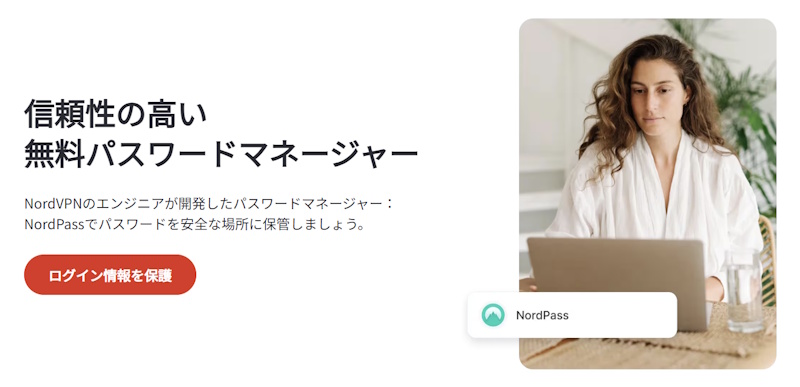
NordPass is a secure password manager developed by the team behind NordVPN, a global leader in cybersecurity.
It uses cutting-edge XChaCha20 encryption — even more advanced than standard banking-level security — combined with a Zero-Knowledge Architecture, ensuring only you can access your stored data.
Key Features of NordPass
✔ Next-Generation XChaCha20 Encryption
Faster and more secure than conventional AES-256 encryption.
✔ Zero-Knowledge System
Even NordPass employees cannot access your stored information.
✔ Multi-Device Support (Up to 6 Devices)
Automatically syncs your passwords across PCs, smartphones, and tablets.
✔ Auto-Fill & Password Generator
Simplifies logins and payment forms, with strong password creation built-in.
✔ Dark Web Monitoring
Instant alerts if your credentials appear on the dark web.
✔ Secure Password Sharing
Safely share passwords with trusted individuals.
Advantages of NordPass
✔ Backed by a globally trusted cybersecurity brand
✔ Simple, intuitive user interface
✔ Strong encryption and two-factor authentication support
✔ Free plan with unlimited password storage
✔ Dark web monitoring and email masking features
Disadvantages of NordPass
▲ Free plan does not support cross-device syncing
▲ Limited advanced form-filling (address/ID auto-fill features are basic)
▲ Lacks custom fields or tagging options (compared to 1Password)
Pricing Plans Overview
| Plan | Monthly Price (Approx.) | Key Features |
|---|---|---|
| Free Plan | $0 | Basic password storage, auto-fill for one device |
| Premium | $1.59〜 | Multi-device sync, password sharing, dark web monitoring |
| Family Plan | $2.79〜 | Premium features for up to 6 users |
* All plans come with a 30-day money-back guarantee. Frequent discounts are also available.
NordPass vs. 1Password — Side-by-Side Comparison
| Feature | NordPass | 1Password |
|---|---|---|
| Encryption | XChaCha20 (next-gen, high-speed) | AES-256 |
| Zero-Knowledge | Yes | Yes |
| Auto-Fill | Yes | Yes |
| Dark Web Monitoring | Yes (limited on free plan) | Paid plans only |
| Email Masking | Yes | No |
| Price | More affordable overall | Slightly more expensive |
| Custom Fields/Tags | Not available | Available |
Conclusion — Who Should Use NordPass?
✔ Anyone seeking simple, secure, and fast password management
✔ Users prioritizing high-level encryption and security
✔ Those concerned about dark web data leaks
✔ Cost-conscious users looking for a reliable, affordable option
One of NordPass’s standout advantages is its ease of use for beginners and the ability to try core features for free — a significant plus compared to other top-tier managers.
Final Thoughts
NordPass combines world-class security with an intuitive, easy-to-use experience, making it a reliable choice for password management.
With its free plan and 30-day money-back guarantee, you can try NordPass risk-free and experience its features firsthand.
↓ 30-Day Money-Back Guarantee ↓